Setup time
Automatic
Languages
2.1 AA
One Integration, Every Platform
Install once in Google Tag Manager and deploy alt text across WordPress, Shopify, custom sites, static generators, and any platform that supports GTM. No platform-specific plugins needed.
Platform Agnostic
Works with WordPress, Shopify, Wix, Squarespace, custom builds, React apps, Vue, Next.js—anything with GTM installed.
Built for Agencies
Manage 10, 50, or 100+ client sites from one account. Use the same API key across all your GTM containers for unified billing and management.
How GTM Integration Works
Install from your GTM container, configure your API key, and images start getting descriptions:
Configure Trigger
Set trigger to "All Pages" or customize for specific page types.
Publish & Done
Submit your GTM container. Alt text generates automatically as images load.
Perfect for Modern Marketing Teams
Marketing ops professionals love GTM integration for speed, control, and platform flexibility:
E-commerce Stores
Works with Shopify, WooCommerce, Magento, BigCommerce, custom platforms—any store running GTM gets automatic product image alt text. SEO-optimized for product search.
Digital Agencies
Manage multiple client sites across different platforms with one centralized alt text solution. No per-site plugin installs. One account, works everywhere.
Publishers & Content Sites
Automatic alt text for featured images, article images, and photo galleries. News sites with 1,000+ daily articles stay accessible without slowing content production.
Custom & Headless CMS
Built on Next.js, Gatsby, or custom tech? If you have GTM, you can add automatic alt text. Works with React, Vue, Angular, static sites, and everything in between.
Zero Performance Impact
2KB script (smaller than most analytics tags) loads asynchronously after page render. Tested on sites with 10,000+ daily visitors with <5ms impact.
Multilingual Support
Generate descriptions in 130+ languages. Perfect for global brands and international e-commerce. Learn more here.
FAQ
-
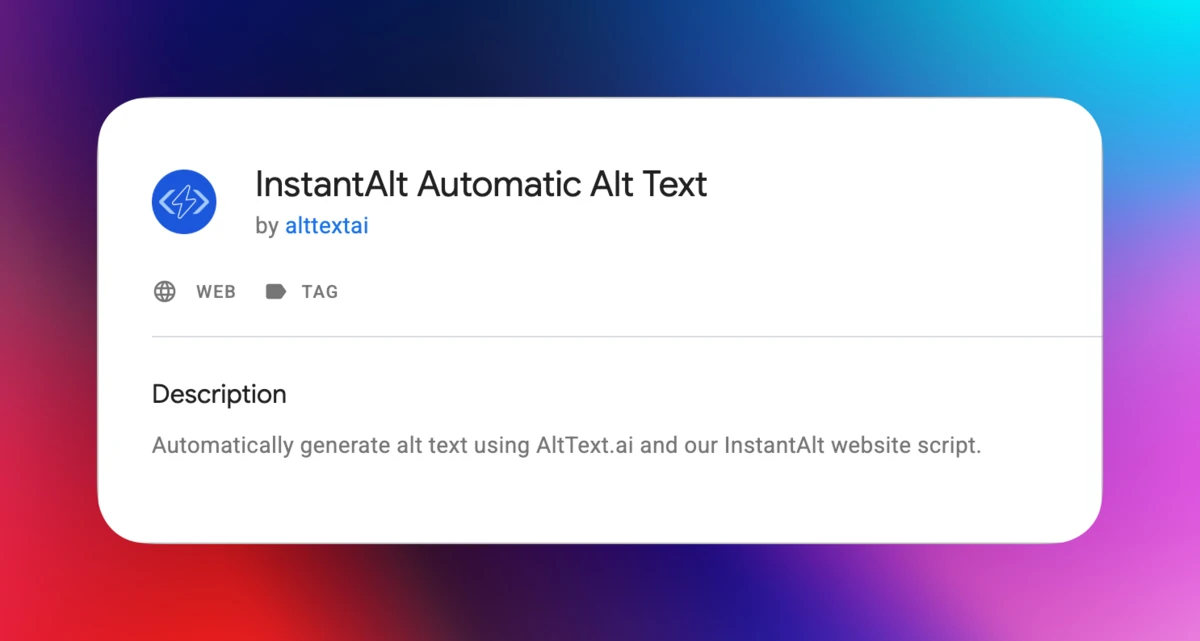
Install our official Community Template directly from the GTM Template Gallery. It takes 30 seconds—add the template to your workspace, enter your API key, set a trigger, and publish. The template automatically detects images on your pages and fetches AI-generated alt text from our API. No code changes to your website required.
-
Any website that uses Google Tag Manager. This includes WordPress, Shopify, Wix, Squarespace, BigCommerce, custom-built sites, React apps, Vue applications, static sites, Jekyll, Next.js—if you have GTM installed, you can use AltText.ai. Platform-agnostic by design.
-
No. The script is lightweight (smaller than most analytics tags) and loads asynchronously through GTM after your page renders. Alt text is fetched in the background and cached in the browser, so repeat visitors don't trigger new API calls. Minimal performance impact.
-
Platform-specific integrations (WordPress, Shopify) run server-side and insert alt text before pages render. GTM integration runs client-side and injects alt text as pages load. Both achieve the same result—accessible, SEO-optimized images. GTM is ideal when you: (1) manage multiple sites on different platforms, (2) want one solution for everything, or (3) don't want to install platform-specific plugins.
-
Yes! If you already have an AltText.ai account (from WordPress, Shopify, API, etc.), just grab your API key from the dashboard and add it to the Community Template configuration. Your existing credits, Final Pass prompt, language preferences, and all settings apply automatically.
-
No, you can use the same API key across multiple GTM containers. This is perfect for agencies managing 10-50 client sites—one account, one API key, works everywhere. However, for granular billing or if you're managing client budgets separately, we recommend separate accounts per client for clearer tracking and invoicing.
-
Alt text generation stops until you upgrade or purchase more credits. Your existing alt text remains in place—it doesn't disappear. You'll receive email notifications as your credits run low and when you hit zero. You can monitor usage in real-time from your dashboard.
-
Yes, our AI-generated alt text follows WCAG 2.1 AA guidelines for image descriptions. The GTM integration injects alt attributes correctly using the standard HTML5 setAttribute method, making your images accessible to screen readers like NVDA, JAWS, and VoiceOver.
-
Yes! In your dashboard, you can set a Final Pass prompt that applies to all images processed through your API key. For example, 'Describe images in a professional, technical tone suitable for B2B SaaS marketing' or 'Use friendly, conversational language for lifestyle products.'
-
You can configure the template to skip specific images using CSS selectors. See our InstantAlt documentation for configuration options including excluding images, customizing prompts, and language settings.
Nothing found.
If you can't find what you're looking for, please contact our customer support team.
Ready to Add Alt Text via GTM?
Sign up free, grab your API key, and install the GTM tag in 5 minutes. Your first 25 images are free—no credit card required.
Free trial, no credit card needed.