Where the fix lives
AudioEye is clear about this in its own documentation.
"When a page loads, AudioEye's JavaScript reads the rendered code, identifies accessibility issues, and fixes them before the user ever interacts with the page."
Source: How AudioEye's Accessibility Technology Actually Works
AudioEye: fixed at render
The script runs in the visitor's browser and adjusts the page it finds there. AudioEye lists what those automated fixes cover: "adding missing labels, correcting heading structure, improving ARIA implementation, fixing form associations, clarifying links, and exposing proper navigation structure."
AltText.ai: fixed at the source
We write the description into the CMS record. It becomes a real <img alt="..."> attribute in your source HTML. Google indexes it. A screen reader reads it without waiting on a script.
The image question
A screen reader reads the alt attribute. A search engine indexes it. If there is no description in the record that publishes the image, neither one has anything to work with — and no amount of program around it changes that.
"All non-text content that is presented to the user has a text alternative that serves the equivalent purpose, except for the situations listed below."
— W3C, WCAG 2.1 Success Criterion 1.1.1, Level A
That's the criterion we help you satisfy for images. One of dozens. The rest belong to your audit, your engineers, and whoever runs your accessibility program — which may well be AudioEye.
What we don't do
AltText.ai covers the image-alt-text layer of WCAG 2.1 Success Criterion 1.1.1. It does not certify a whole site. It isn't an audit, and it isn't a legal opinion.
If a vendor tells you one tool takes care of compliance, ask which of the other criteria it checked.
Where it gets written
A description attached to the image in the system that publishes it. Nothing temporary.
- Writeback into the source or CMS record, so the description ships in your HTML.
- Verified integrations, including WordPress and Shopify. The full list lives on the integrations page.
- Bulk processing for the catalog you already published.
- An API and automation path so tomorrow's uploads don't reopen the gap.
- Review before publish, and an explicit overwrite switch. Words you already wrote stay put.
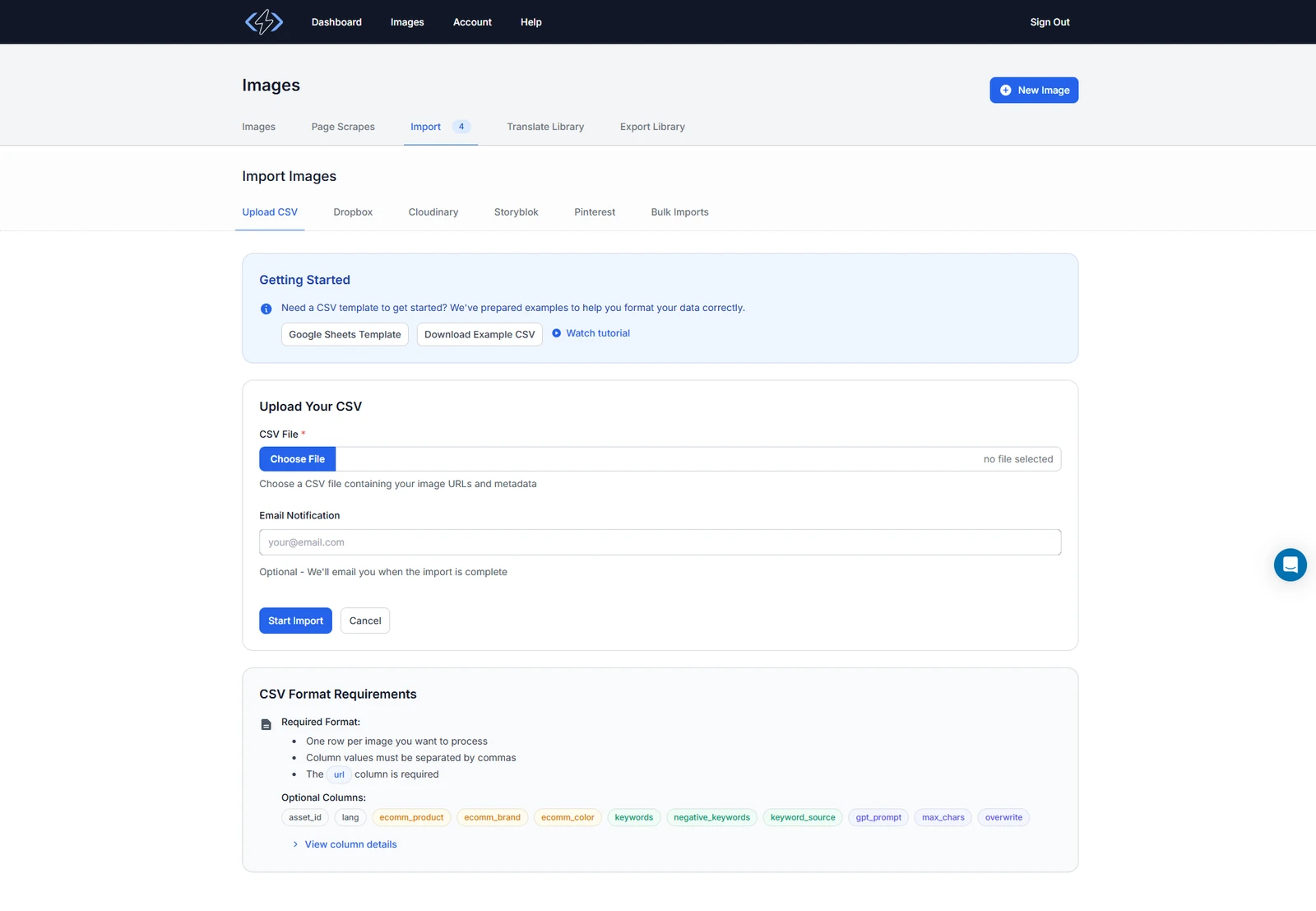
ecomm_product, ecomm_brand, ecomm_color — are how your own product fields reach the model along with the image.
Context beats pixels

A black frying pan on a grey surface.
10-inch nonstick frying pan in matte black, with a riveted stainless-steel handle.
Side-by-side
Their column is their own words. Sources at the bottom of the page.
| Question | AltText.ai | AudioEye |
|---|---|---|
| Positioning |
Image alt text, written into your CMS. That's the whole product. |
A full accessibility platform. A "Web Accessibility Platform for Businesses of All Sizes" that "detects, fixes, and protects accessibility issues." |
| Where the fix lives |
In your content record. The record that renders the image's |
In the browser, at render. "When a page loads, AudioEye's JavaScript reads the rendered code, identifies accessibility issues, and fixes them before the user ever interacts with the page." |
| Scope |
One criterion. The image-alt-text layer of WCAG 2.1 Success Criterion 1.1.1. Nothing beyond it. |
A whole program. "AI automation, expert audits, custom fixes, & real-time risk insights all in one platform." |
| Human review |
Your team edits the words. The people who know the product own them. |
Expert auditors and disabled testers. "Expert auditors and users with disabilities manually test your site with real assistive technology, catching what automation can't." |
| Ongoing coverage |
Bulk pass, then automation. The back catalog in one go, then the API and integrations for new uploads. |
Continuous monitoring. "24/7 accessibility monitoring." |
| Pick the other one when |
The gap is image descriptions. Missing ones, or useless ones. |
The gap is anything else. Keyboard navigation, forms, contrast, page structure, an audit trail — go buy the program. |
When AudioEye may be the right addition
Alt text isn't your only problem, and we're not going to pretend it is. If you need an organization-wide program, expert services, or help with anything past image content, go evaluate a platform on those terms. AudioEye's material describes "AI automation, expert audits, custom fixes, & real-time risk insights," and says "Expert auditors and users with disabilities manually test your site with real assistive technology." We do none of that.
What we do is close the image-alt-text gap inside that program, permanently, at the source. Most teams end up wanting both layers.
Frequently asked questions
-
No. We write image alt text. Keyboard traps, form labels, color contrast, audits — none of that is ours. Plenty of teams run both.
-
No. It helps with WCAG 2.1 Success Criterion 1.1.1, text alternatives for non-text content. That is one criterion out of dozens. We do not certify sites, run audits, or promise a legal outcome.
-
Into your CMS or image workflow, through an integration or the API. It ends up as a real alt attribute in your HTML, not a line item in a separate report.
-
Yes. You review descriptions before they go live. Overwriting alt text you already wrote is a switch you flip, never a default.
-
Yes. We handle the image-description layer. Audits, remediation, and monitoring keep running wherever they already run.
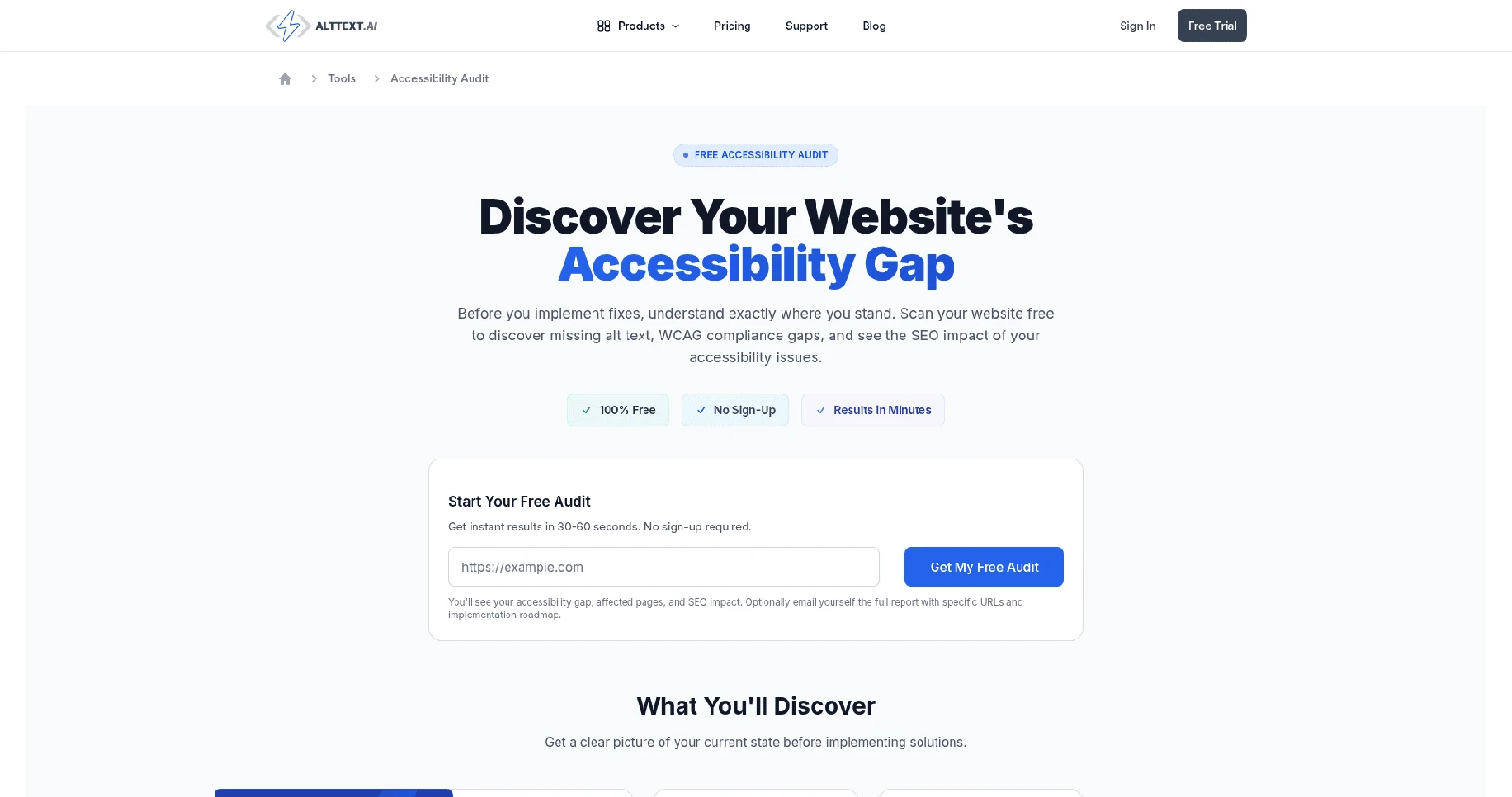
See the image-alt-text gap on your own site
Run the free scan first. It shows the image issues a content-level workflow can fix, before you commit to any tool or program.
25 free credits. No credit card. No expiry.