Images Processed
Teams
Descriptions
Free Images to Start
Webflow Makes Publishing Fast. Alt Text Never Keeps Up.
CMS Collections are how Webflow sites scale: a template, a collection, and suddenly hundreds of pages. But Webflow doesn't require alt text on image fields, doesn't generate it, and doesn't show you what's missing.
Search Engines Can't See Your Images
Google indexes what the alt attribute says. Empty alt means invisible images and lost image-search traffic.
Accessibility Isn't Optional
Screen readers depend on alt text and WCAG requires it. Missing alt text is the first thing an audit flags.
Writing It by Hand Doesn't Scale
A good description takes a minute or two per image. Multiply that by every item in every collection.
One Connection, Three Ways In
CMS on Autopilot
Create or update a CMS item and its images get alt text within seconds, written straight back to the item.
Fix It in the Designer
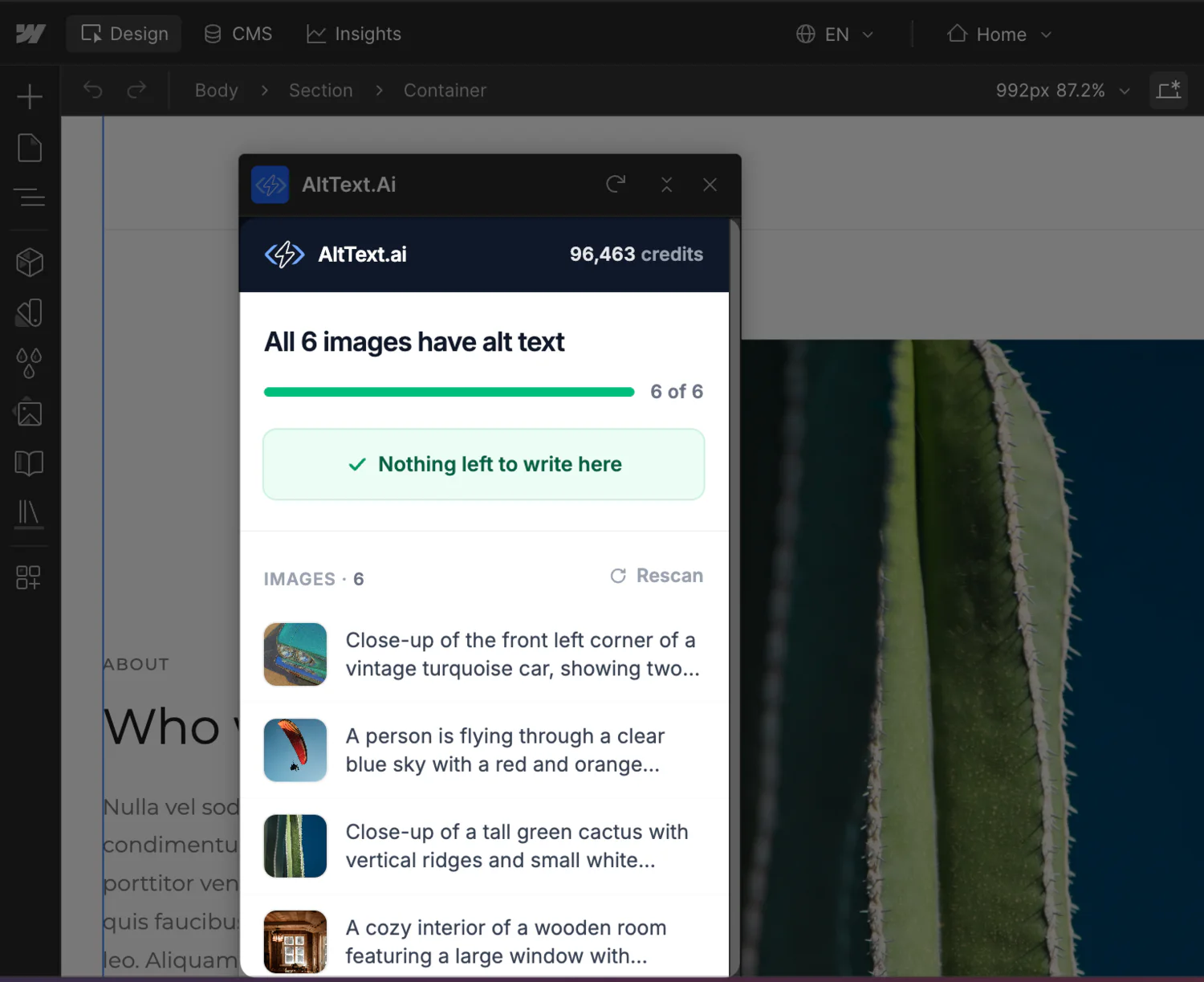
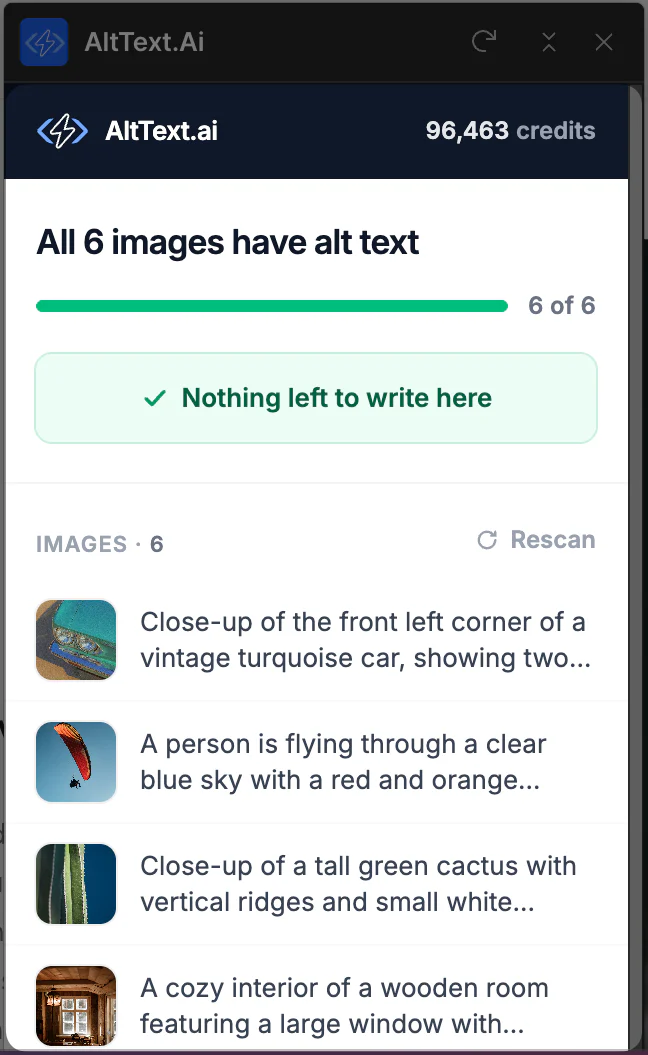
The panel lists every image on the page you're editing and which ones are missing alt text. Write them without leaving Webflow.
Import What's Already There
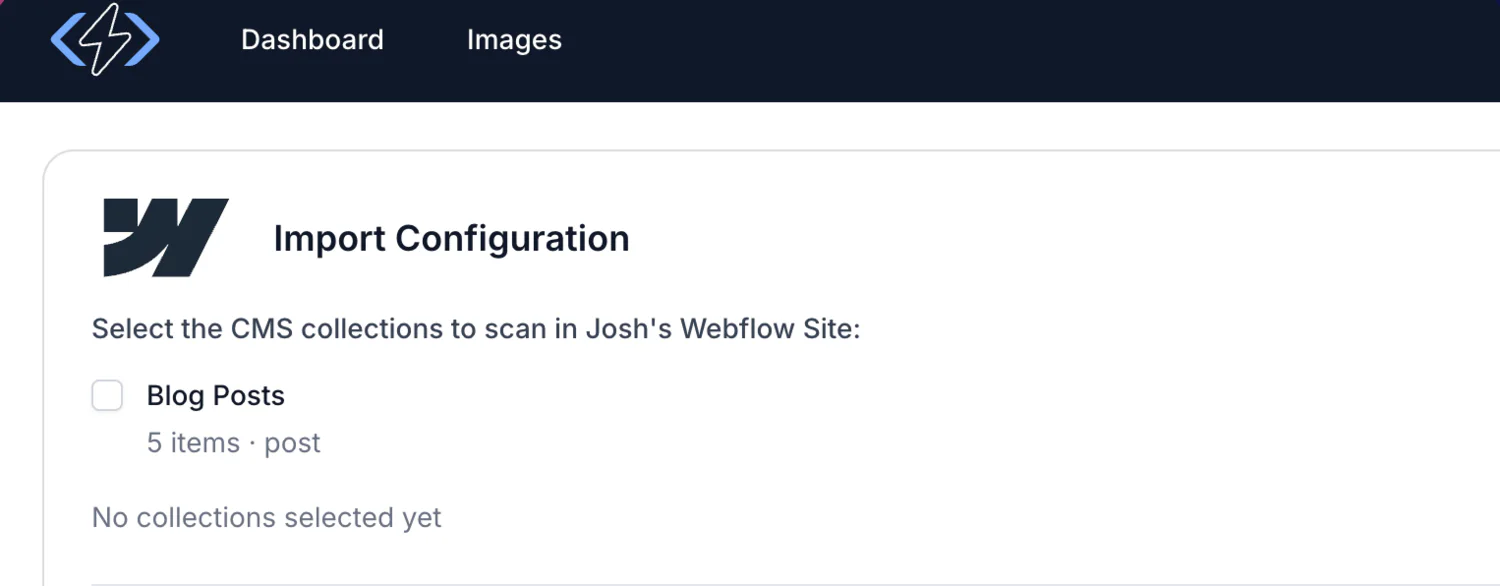
Point the importer at your collections. It counts what's missing before spending a credit and works through it in the background.
Set Up Once, Covered from Then On
No API keys to paste, no webhooks to configure, no code on your site.
Connect Webflow
Authorize the sites you want covered. We register the CMS webhooks for you.
Publish Like Always
Images without alt text get it automatically. Images that already have it are left alone.
Open the Panel When Designing
Add AltText.ai from the Webflow Marketplace, then launch it from the Designer's Apps menu to check the current page.
Bring the Backlog Up to Date
- Counts every image missing alt text up front, and won't start if it would cost more credits than you have.
- Add product data and target keywords so descriptions read like your site, not a generic caption.
- Cancel anytime. What's written stays, and re-runs skip finished images instead of charging twice.
Built for How Webflow Teams Work
Nothing Added to Your Site
Works through Webflow's API. No script on your pages, Core Web Vitals untouched.
Keeps Your Alt Text by Default
Only empty alt fields get filled. Overwriting is an opt-in, off-by-default import option.
You Control Publishing
Alt text lands in staged content and goes live on your next publish. We never publish for you.
WCAG 2.1 AA Descriptions
Written to accessibility guidelines, not just keyword-stuffed.
Credits Checked First
Imports show the total before they run, and unless you turn on overwrite, nothing is spent on images that already have alt text.
Yours If You Disconnect
Generation stops, and every description already written stays in your CMS.
AltText.ai vs. the Alternatives
| Feature | AltText.ai | Copy-Paste AI Generators | Writing It by Hand |
|---|---|---|---|
| Writes back to Webflow CMS automatically | Yes | No | No |
| Shows missing alt text in the Designer | Yes | No | No |
| Processes existing collections in bulk | Yes | No | No |
| Works in your keywords and product details on import | Yes | No | Yes |
| Cost | <2¢/image on Platinum | Free, plus your time | $20+/hour |
Writing Alt Text by Hand
- A minute or two per image, for every item in every collection
- No view of which images are still missing alt text
- The existing backlog never gets done
With AltText.ai
- New CMS items get alt text within seconds
- Missing images show up right in the Designer
- Existing collections covered in one import
Simple, Transparent Pricing
Annual plans include rollover credits. Pick the tier that matches your image volume.
Bronze
Perfect for personal blogs and portfolios
$49/year
1,200 credits (4¢ per image)
View Bronze planSilver
Growing websites and small businesses
$189/year
6,000 credits (3¢ per image)
View Silver planGold
E-commerce stores and content teams
$489/year
24,000 credits (2¢ per image)
View Gold planPlatinum
Enterprise publishers and platforms
$2199/year
120,000 credits (<2¢ per image)
View Platinum planNeed more? Contact us for enterprise pricing.
Frequently Asked Questions
FAQ
-
No. We write alt text into your CMS items through Webflow's API. Nothing loads on your published site.
-
Not by default. Only empty fields are filled. Bulk import has an "Overwrite existing" option, off by default.
-
It's written to staged CMS content within seconds and goes live on your next publish.
-
It scans the open page, shows what's covered, and writes the missing alt text in place.
-
You pick the site and collections. We count missing images first, show the total, and skip images that already have alt text unless you turn on overwrite.
-
Single image fields are covered. Multi-image gallery fields are skipped, because Webflow's API can't safely write alt text to one item in a gallery.
-
Generation stops, and everything already written stays in your CMS.
Every Image on Your Webflow Site, Described
Connect your site and let the CMS take care of itself. Start free with 25 images, no credit card required.
Setting it up? Read the documentation.
Related Resources
Other CMS Integrations
Contentful, DatoCMS, Storyblok, and other CMS integrations available.
Bulk Processing Options
CSV import, API access, and other ways to process large image libraries.
WCAG Compliance Guide
Everything you need to know about image accessibility requirements.
Trusted by the World's Leading Digital Brands
Join 97,000+ brands using our engine to power their visual SEO strategies.